CursorHop icon

CursorHop Direct

Jump between displays, find apps, and keep the active window in focus.

Download CursorHop Direct 1.0.6

Requires macOS 14 or later · Apple silicon and Intel · Notarized by Apple

Core Features

Use global shortcuts to jump across displays, find apps, and control the active window directly.

CursorHop screen number overlay
Screen OverlayShow clear numbers on every connected display and identify your destination instantly.
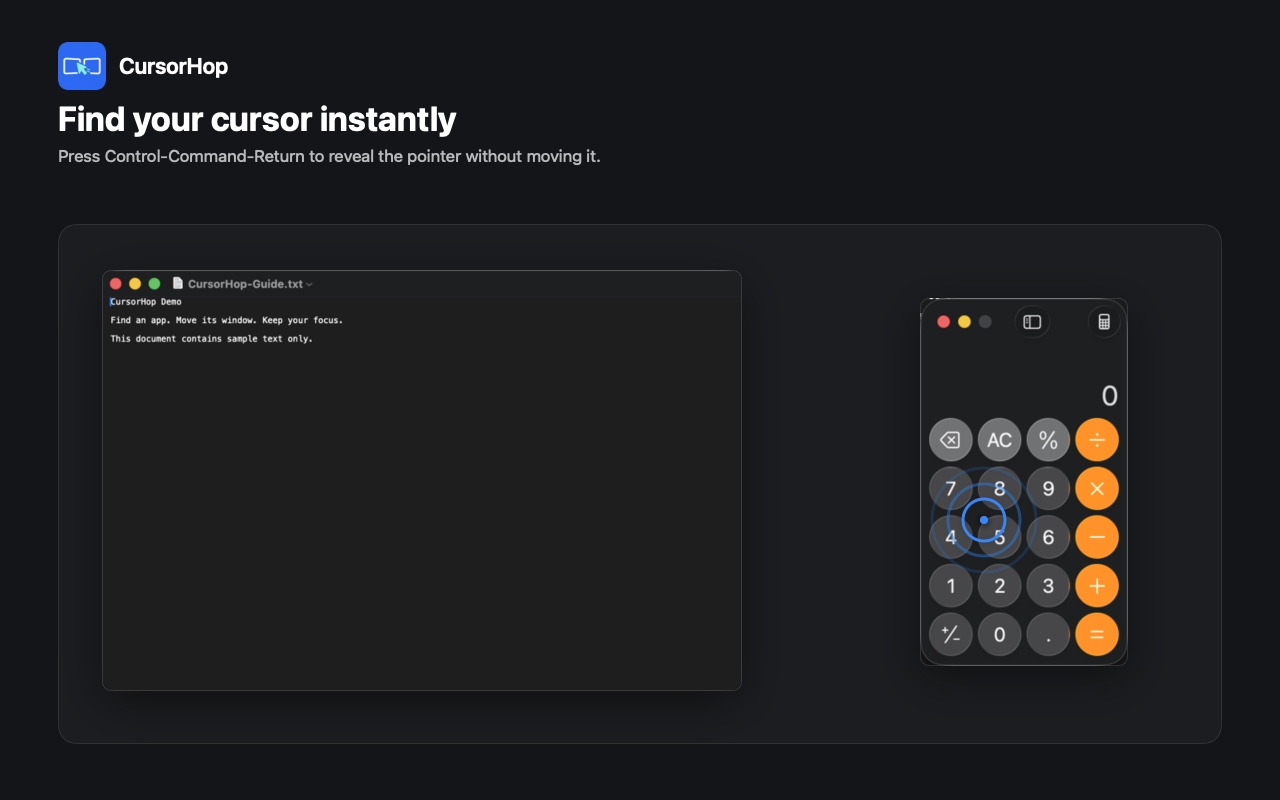
CursorHop Find Cursor animation
Find CursorPlay a lightweight pulse at the current pointer location so it never gets lost between displays.
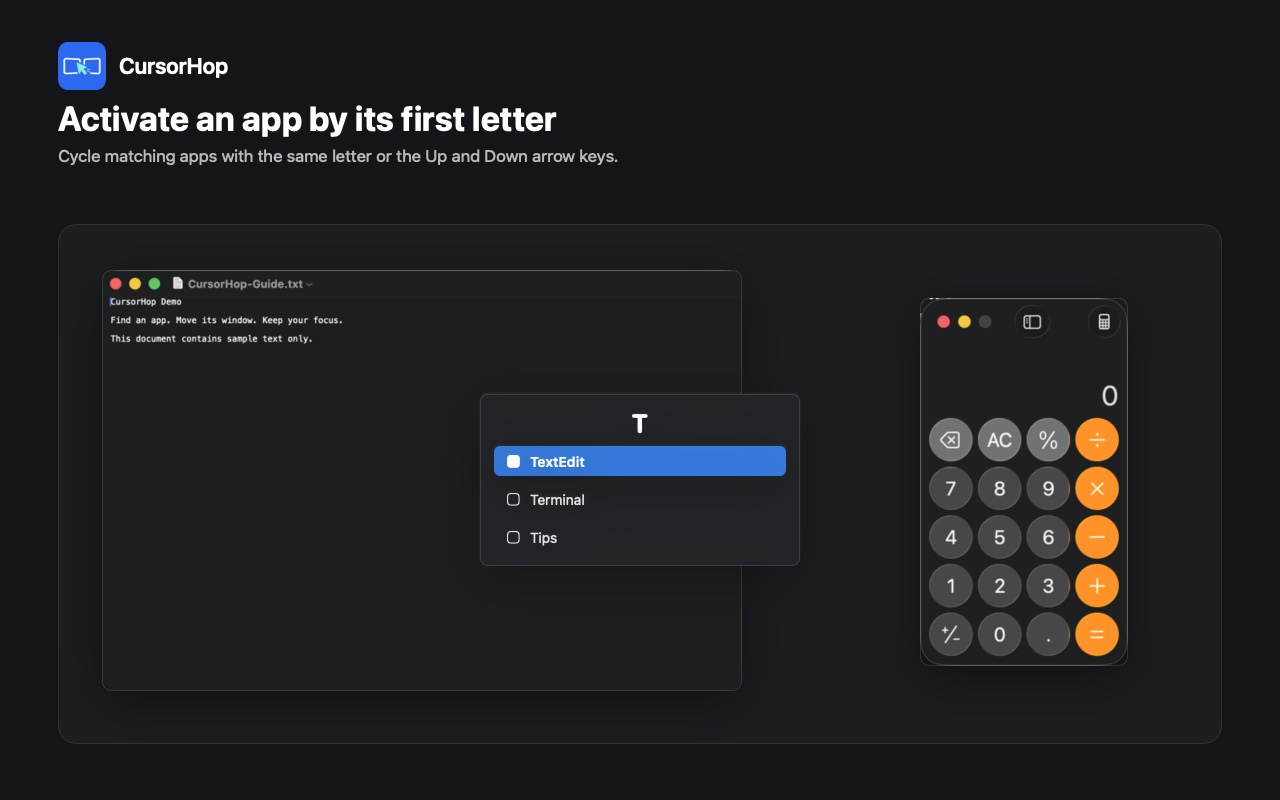
CursorHop App Finder
App FinderFind and activate apps by their first letter, then cycle through matching candidates.
CursorHop Direct Accessibility permission guide
Direct Window ControlMove and arrange the active window with clear, on-demand Accessibility guidance.

Installation

  1. Open the downloaded DMG and drag CursorHop to Applications.
  2. When you first use window control, follow the in-app guide to allow Accessibility access.
  3. Open Settings to review shortcuts, test workflows, and enable Launch at Login.